

When manual entries make sense
- Correction bookings — when a booking is missing or wrong in the accounts and you want to correct it in your reporting.
- Additional bookings — for items that are not in the accounts yet (for example accruals for internal reporting).
- Reclassifications — when you want to move amounts between accounts without changing the accounts.
How to create manual entries
- Go to the “Manual entries” page.
- Choose an existing manual upload or create a new one.
- Create a booking with:
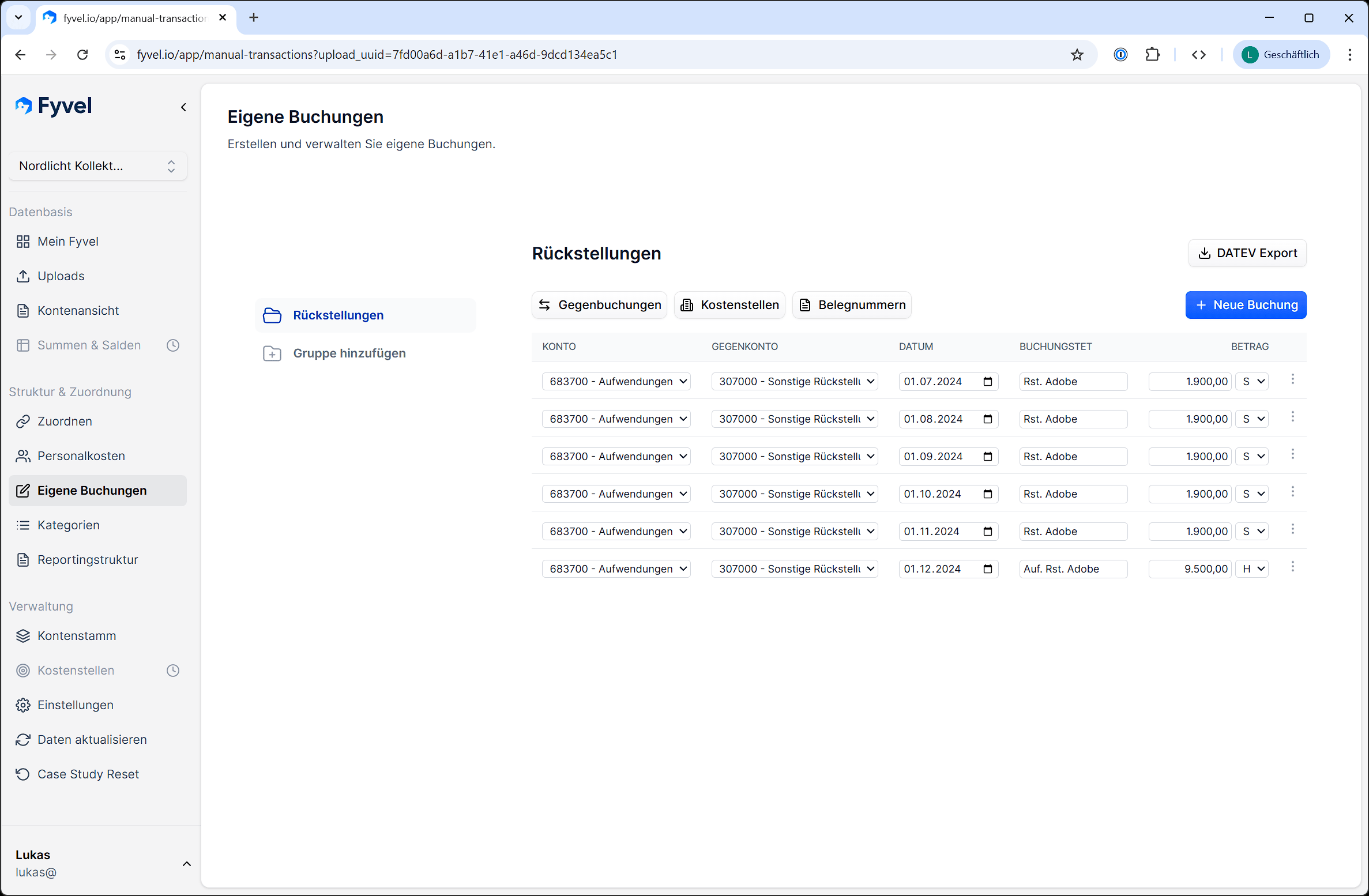
Dialog for creating a manual entry
Import a CSV
Into a booking group you can upload several bookings at once from a CSV file:- Choose the import icon next to “New booking”.
- Download the template, or use your own file with the same columns.
- Review the preview (notes about missing account numbers or invalid amounts).
- Click Apply to table, fill in missing fields in the table, and save with Save all.
debit_amount) or credit (credit_amount).
Separator: semicolon or comma. At most 100 data rows per file. German column headers (for example
Konto, Gegenkonto, Datum, Soll, Haben) are recognised as well.